Prompt Security Integration
Overview
The Prompt Security integration adds content protection guardrails to your AI prompts and responses. When enabled, Webrix will asynchronously call Prompt Security's Protect API to validate and, when needed, transform text to keep interactions safe and compliant.
What is Prompt Security?
Prompt Security is a security service purpose‑built for AI applications. It analyzes prompts and responses for risks (prompt injection, data leakage, unsafe content), and can block or modify text before it is processed or returned to users.
With Webrix, Prompt Security can:
- Validate Prompts: Check user messages before they are sent to models or tools
- Validate Responses: Review assistant/tool outputs before they are displayed
- Transform Risky Text: Return a safe, modified version when appropriate
Prerequisites
- A Prompt Security account
- An application ID ("API Key") from the Prompt Security admin portal
- Your deployment region:
eu,useast, orapac
Setup Instructions
Step 1: Choose Your Region and Base URL
Use the base URL matching your region:
eu→https://eu.prompt.securityuseast→https://useast.prompt.securityapac→https://apac.prompt.security
The Protect endpoint is at: https://[REGION].prompt.security/api/protect.
Step 2: Get Your Application ID
- Sign in to the Prompt Security admin portal at
https://[REGION].prompt.security - Create or open your application
- Copy the Application ID (this is used like an API key)
Step 3: Enable in Webrix
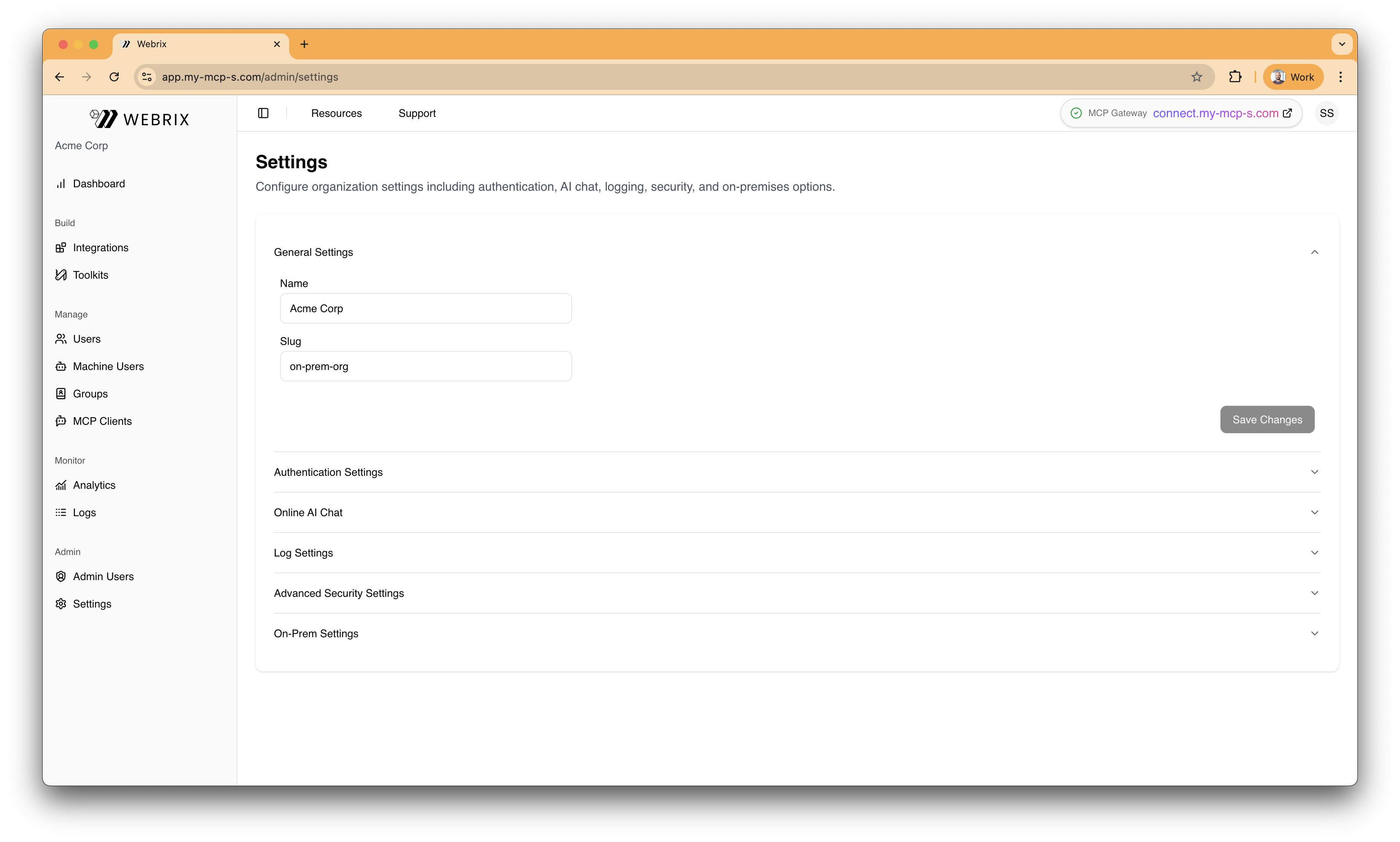
- In Webrix, go to Settings → Guardrails
- Under External Guardrails, toggle on Prompt Security Integration
- Enter the Base URL (for example,
https://eu.prompt.security) - Paste your API Key (Prompt Security application ID)
- Click Save
How It Works
When enabled, Webrix calls Prompt Security's Protect API asynchronously at key points:
- Before sending the user message (prompt validation)
- After generating a model/tool reply (response validation)
Request Fields
Webrix sends the following fields to Prompt Security when applicable:
prompt: the user message to protectsystem_prompt: the system message for contextresponse: the assistant/tool message to protectuser: the user ID or username for context
Expected Response
Prompt Security returns an object that instructs Webrix how to proceed:
is_blocked(boolean): whether the text should be blockedis_modified(boolean): whether a safe, modified version is providedmodified_text(string | null): the modified text whenis_modifiedis true
Enforcement Behavior in Webrix
- If
is_blockedis true → the operation is blocked and the user sees a guardrails message - Else if
is_modifiedis true → Webrix usesmodified_textinstead of the original - Otherwise → the original text proceeds unchanged
Best Practices
- Pick the nearest region to minimize latency
- Rotate application IDs periodically and store them securely
- Start in observe/evaluate mode (if supported in your Prompt Security app) before enforcing strict blocking in production
- Monitor logs in both Webrix and Prompt Security to tune policies
Troubleshooting
- 401/403 Unauthorized: Verify the Application ID and that it belongs to the selected region
- 404/connection errors: Check the Base URL format and that the region is correct
- High latency/timeouts: Confirm regional proximity and network egress policies, or reduce payload sizes
FAQ
Which regions are supported? eu, useast, and apac.
Where do I find my Application ID? In the Prompt Security admin portal at https://[REGION].prompt.security under your application settings.
What data is sent to Prompt Security? Only the fields listed above that are relevant for the validation stage (prompt, system prompt, response, user context).
Does this work with other guardrails? Yes. You can combine Prompt Security with built‑in guardrails and/or a Custom Webhook; all enabled providers are evaluated in sequence.